 Work Buddy
1
Choose your rhythm
Set work and break lengths. Defaults are 25 minutes on, 5 off, four sessions a day.
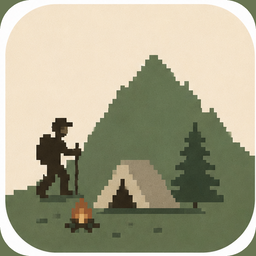
Work Buddy quietly tracks your focused work and moves your hiker forward.
Early access · macOS 13 Ventura or later

A short look at Work Buddy on the Mac.
Three steps. Then you work.
1
Set work and break lengths. Defaults are 25 minutes on, 5 off, four sessions a day.
2
Work Buddy hides and quietly tracks focus. Distractions are noted, not interrupted.
3
Your hiker walks while you stay with it, rests on breaks, and camps when the day is done.
No. It never captures screen contents.
No. Keystrokes are not recorded.
Optional. The camera tells if you are at the screen. Video is processed on this Mac and is not saved.
Camera video is processed on this Mac and is not saved. The names of apps you use are stored on this Mac — not window titles, screen contents, or keystrokes. Anonymous session start and complete events are sent to PostHog. Goals, the names of apps you use, and camera video are not sent.
Work Buddy stays quiet. Distractions are tracked for the session summary.
macOS 13 Ventura or later.